Fly to the view you want to see!
Where the real world meets the game.
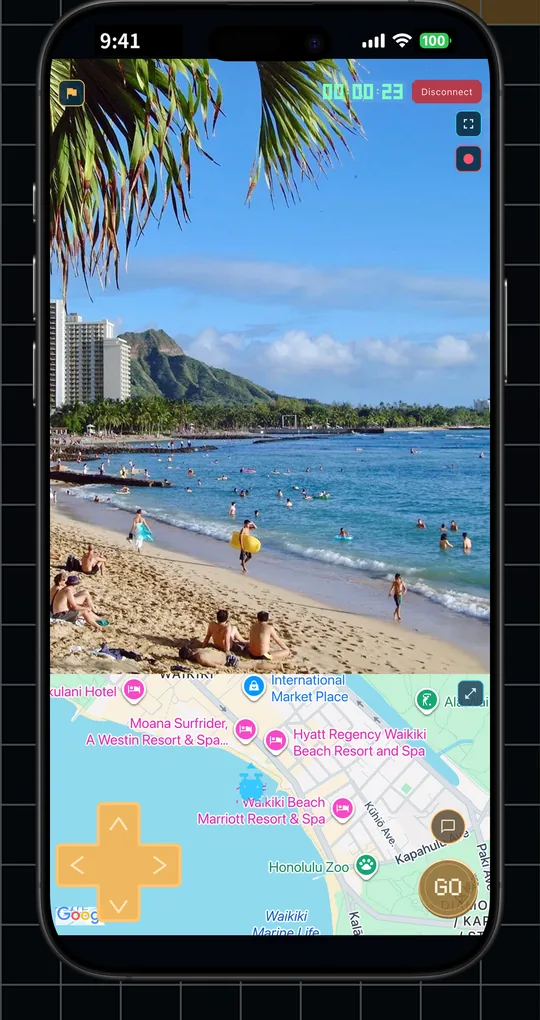
Live Drone View
Ever wished you could see a place right now, through the eyes of someone actually there? DroneMe is a map-based viewpoint-sharing service.
See the world's "right now."


Your location has value!
Fly straight to any place you want to see!
From the Operator's side and the Drone's side.
Where the real world meets the game.
Request live streams from the map, or stream and earn Points. Experience a new way to see the world. DroneMe has two roles.
Pick a spot on the map and request a live stream from a Drone (streamer) at that location. Watch the scene in real time and send simple directions with the gamepad or chat. Points are spent only for the time you stay connected.
Answer requests by sharing your current view through your phone's rear camera. Earn Points based on connection time with the Operator. Points you earn can be used within the app.
Left: the operator. Right: the drone.
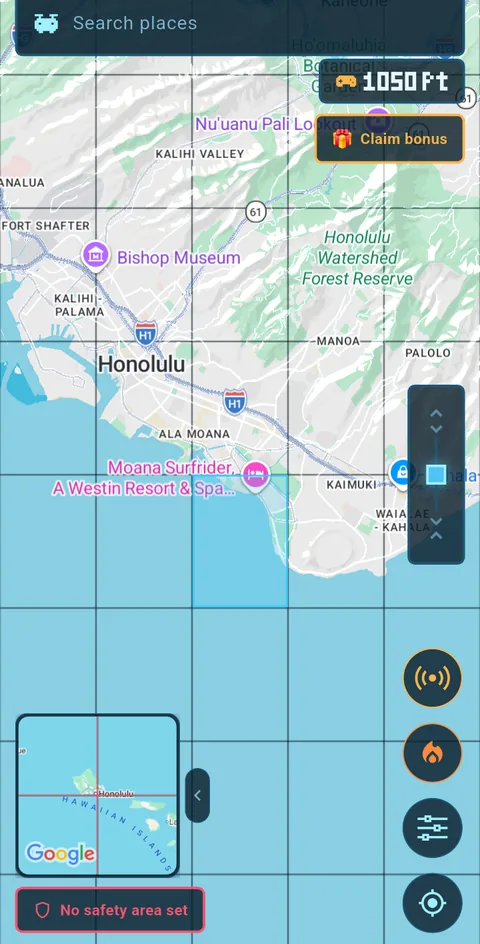
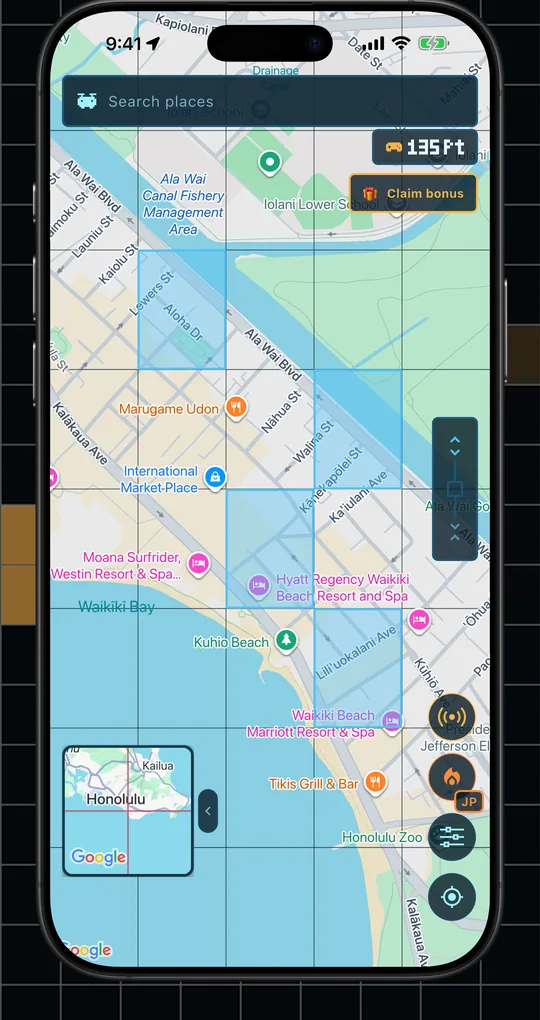
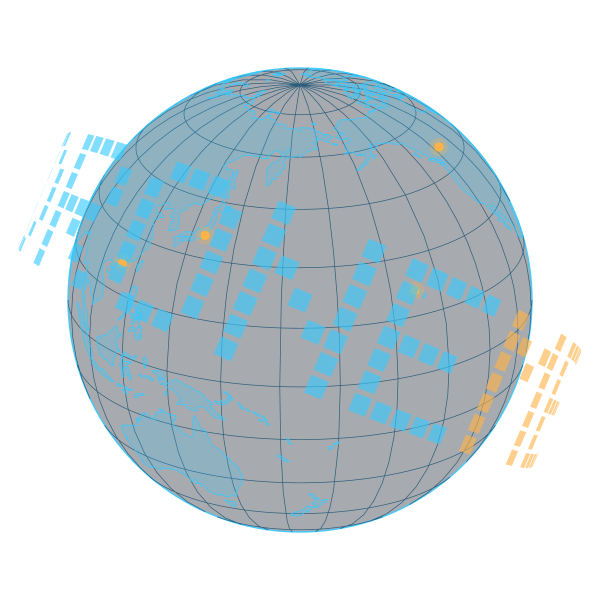
Find a placeGlowing grid cells show where drones are. Tap to send a request anywhere in the world.
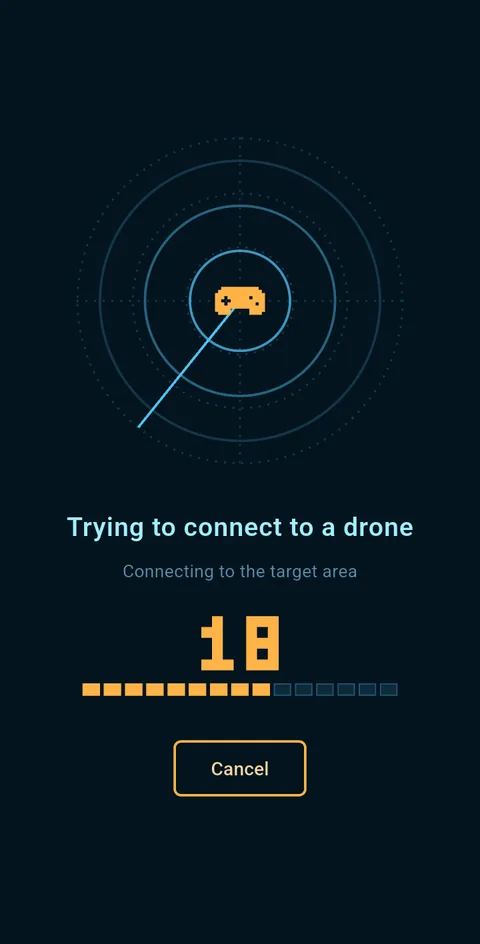
Send a requestSends a request to drones in the area. When a drone accepts within the time limit, you are connected.
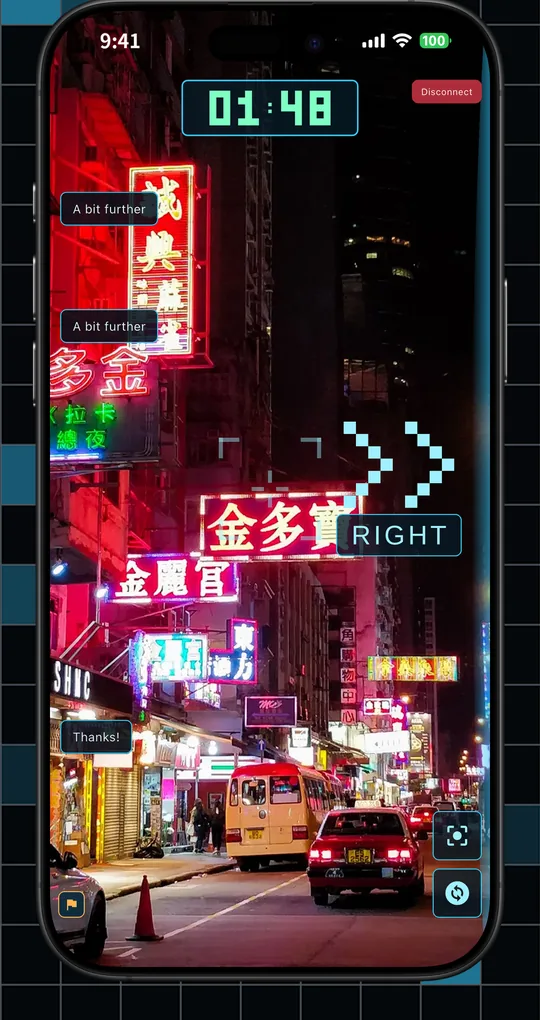
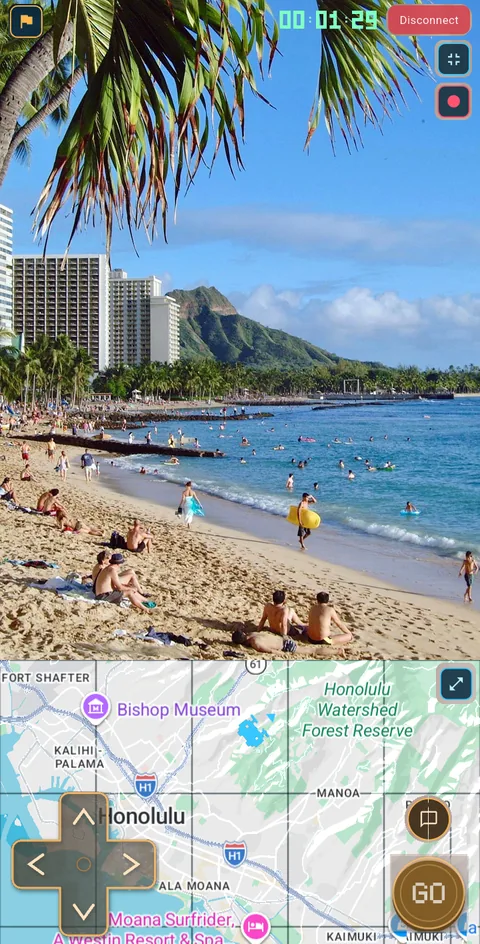
Watch and directOnce the drone's viewpoint is shared, track its position and send commands with the D-pad, the GO button and chat. The operator's voice is never transmitted.
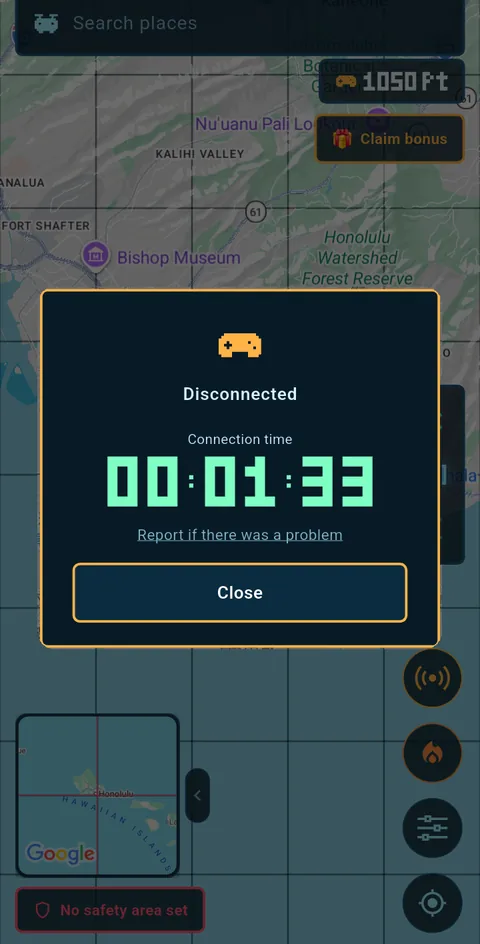
Session summaryWhen the connection ends, a summary appears. pt is spent according to connection time.
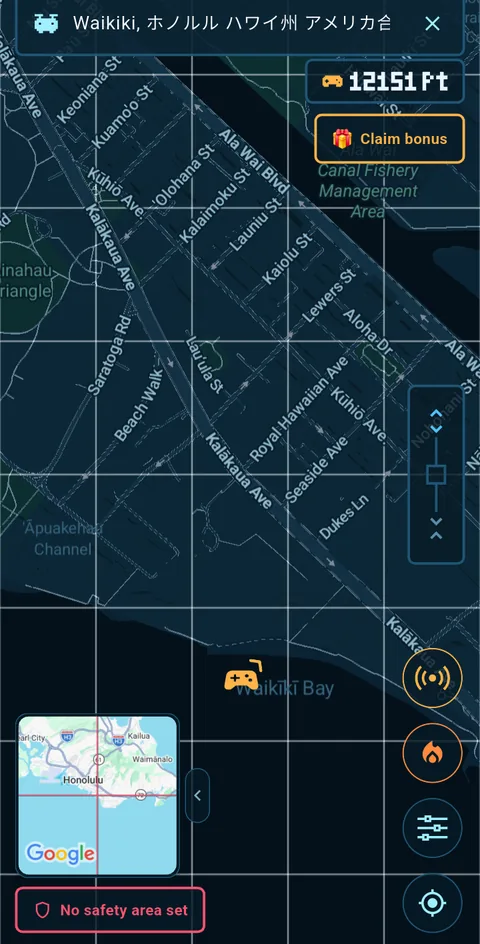
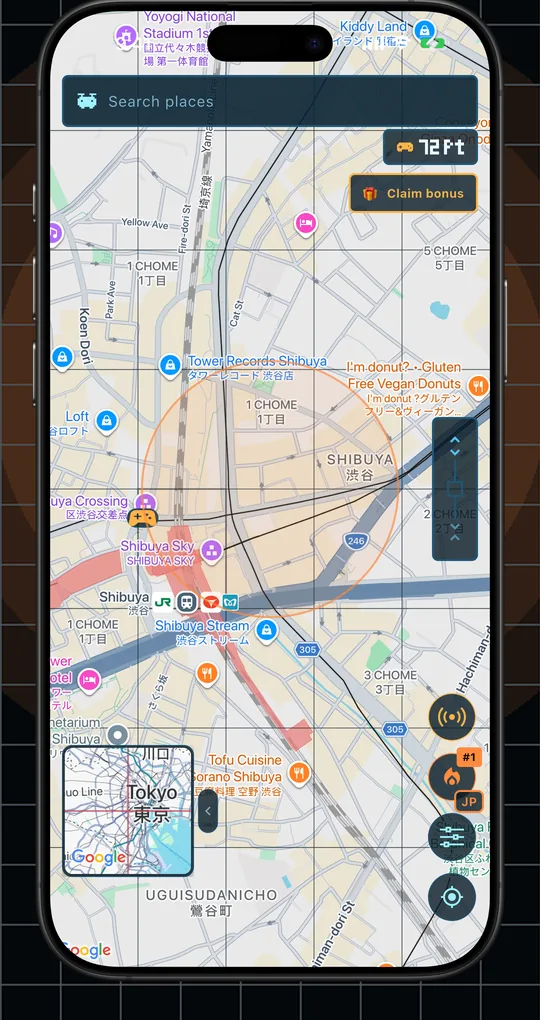
Normal viewYour own position is shown on the map as a gamepad icon.
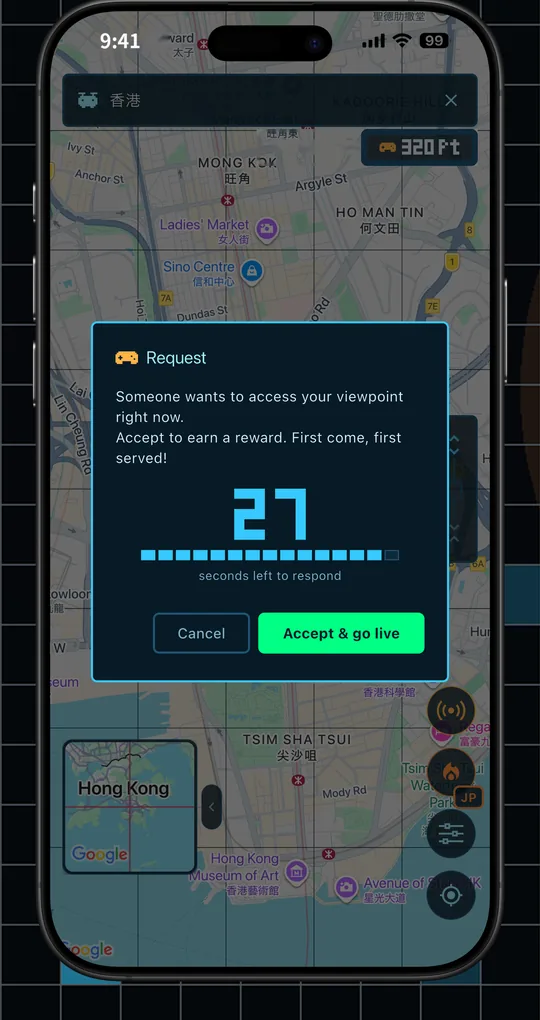
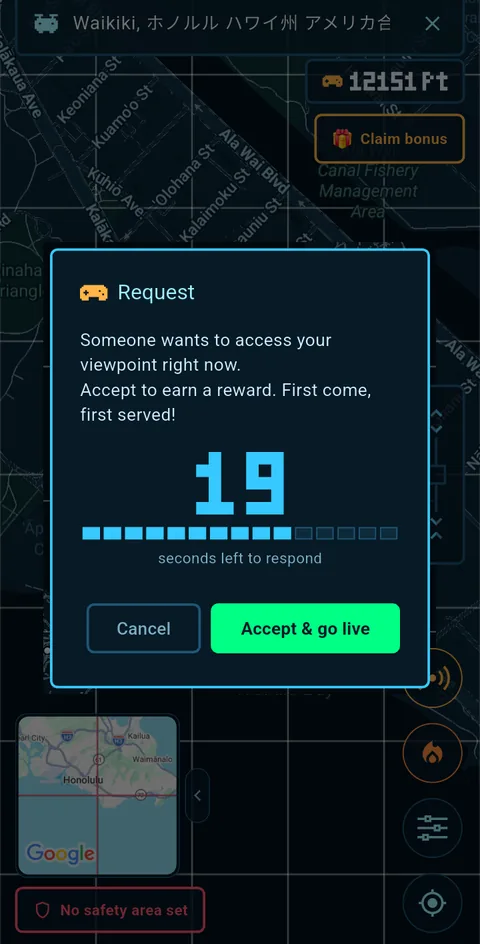
A request arrivesFirst come, first served — accept and you go live right away.
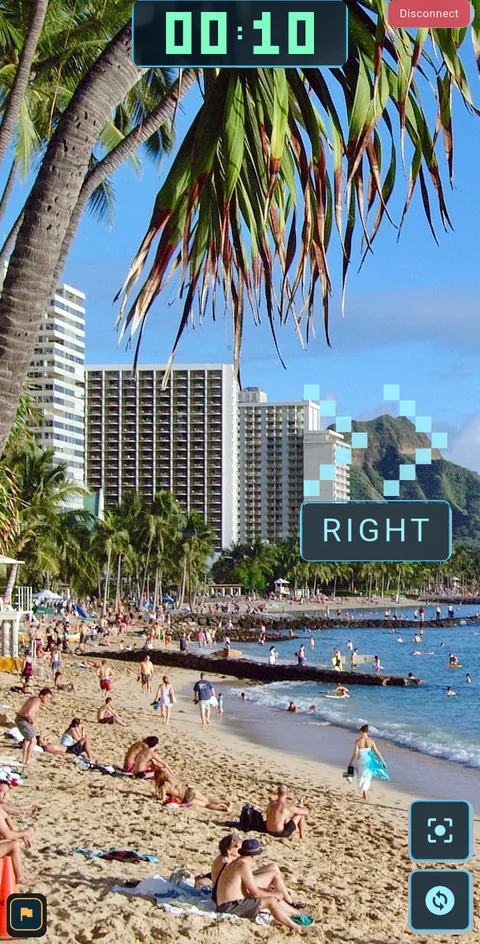
Follow the arrowsWhen the stream starts, arrows and chat commands arrive from the operator. Respond and earn reward pt!
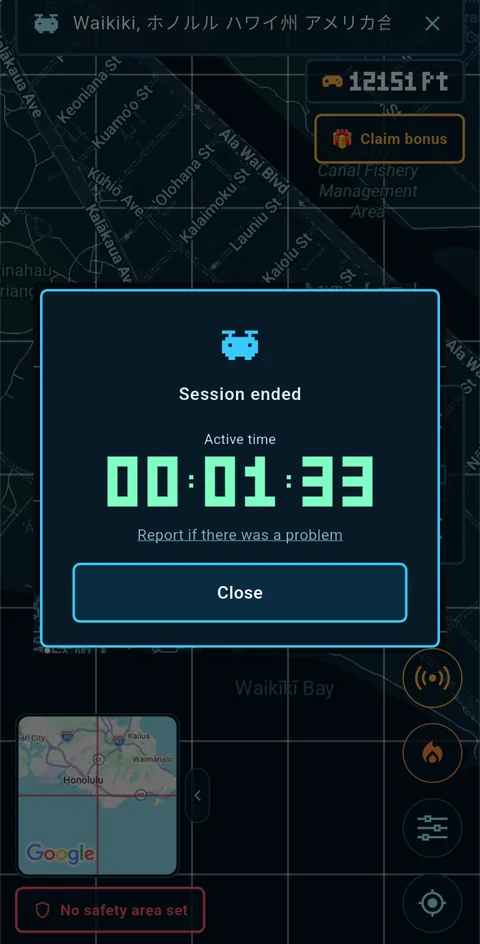
Session summaryThe operator pays you reward pt according to connection time.
Where you go is up to you. Experience and deliver all kinds of moments.
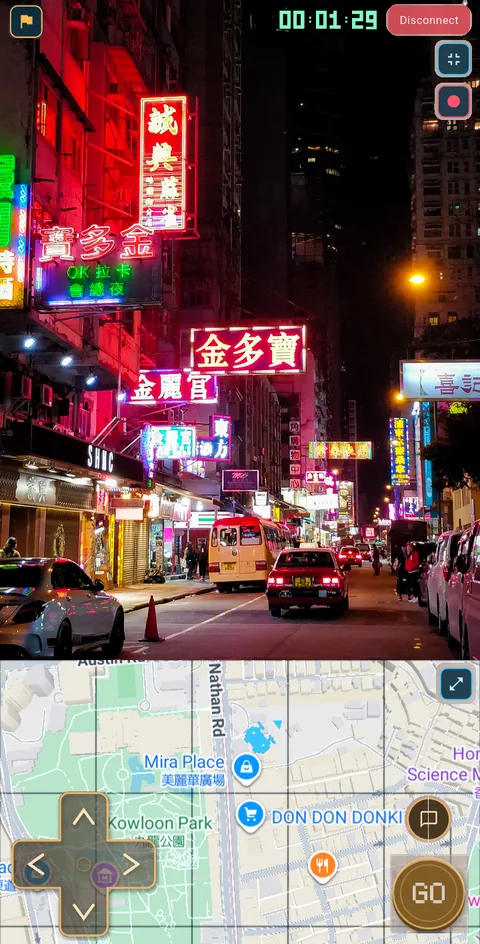
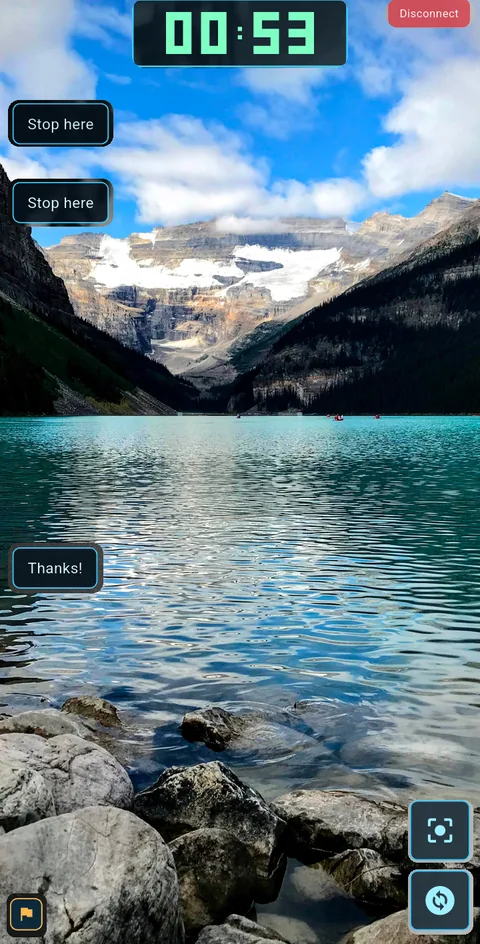
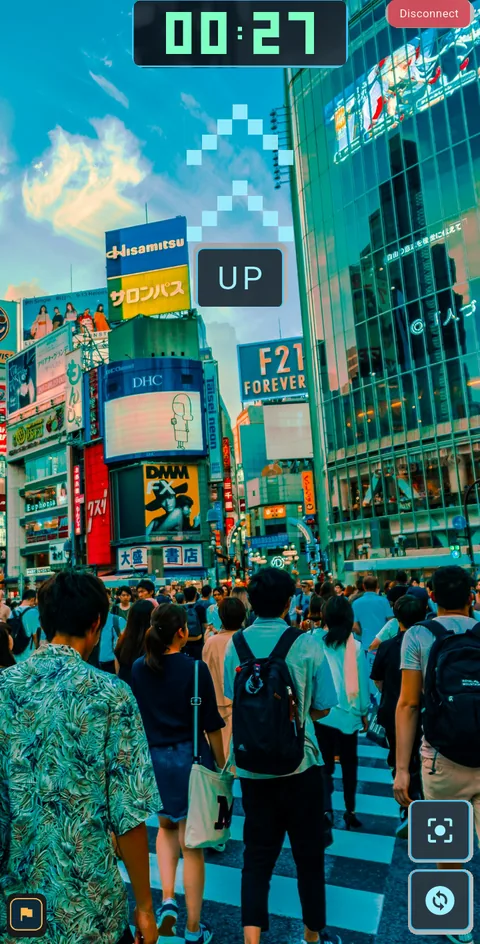
* Screens are from in-development builds. Camera imagery is illustrative. Actual display may differ.
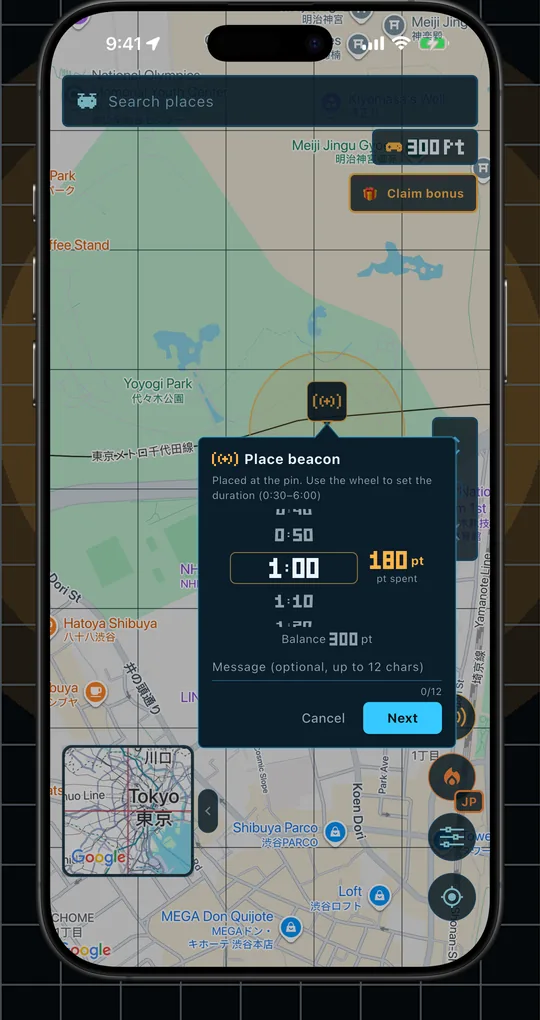
You can stack reward pt on places where no drones are nearby. Drones report arrival near the beacon and earn the reward — you can give value to any place you like.
An operation experience where reality and gaming intersect.
Find streamers by the place you want to see. Low-latency live video, straight from the spot.
Areas with the most connections light up on the map. Tap HOTSPOT to jump to what's trending.
Place Points on the map to request a location. The first Drones to arrive (up to 3) share the Points.
Operators can save the stream they are watching to their own device (for private use).
Drone leaderboard based on active streaming time.
UI in 19 languages, from Japanese and English onward. Users worldwide share the same map.
Because we handle location and video, safety comes first.
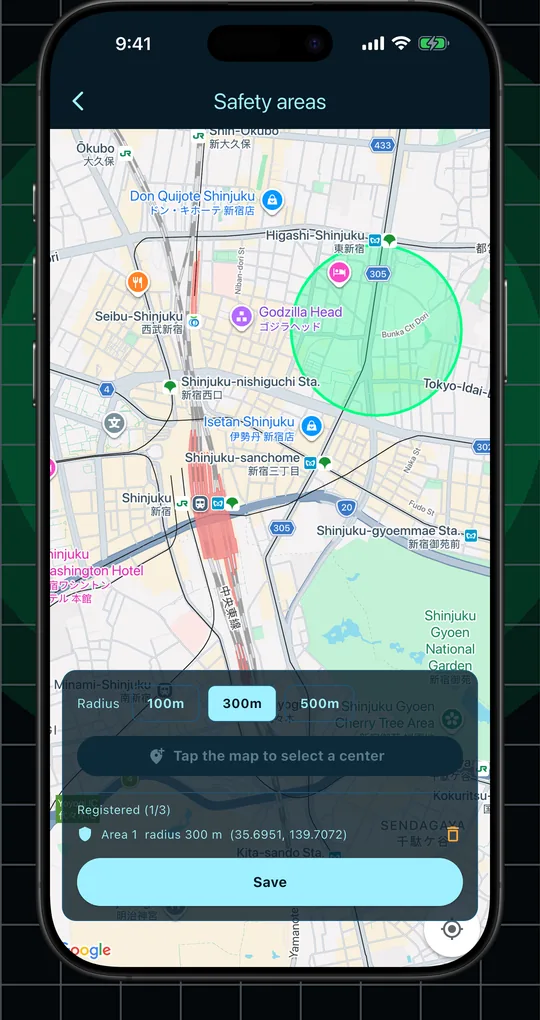
Other users only see an approximate position rounded to about 150 m. Exact coordinates are never sent to other devices.
Hide yourself in places (Safety Area) and during hours (Safety Time) you choose, set up in advance.
Report or block inappropriate streams and behavior in-app. The operator reviews reports and takes action.
Beacon-arrival checks run entirely on the server; the coordinates used are never exchanged between devices.
Video is processed transiently for viewing only. The operator does not record or retain streams.
Our terms require streamers on the move to obey traffic laws and stay aware of their surroundings.
A mode for watch-only users. While it is ON, your location stays private at all times and you are never searched or notified as a drone.
Answers to the questions we hear most often.
| Business name | DroneMaker |
|---|---|
| Address | 1-10-8, Dogenzaka, Shibuya-ku, Tokyo 150-0043, Japan |
| Business | Development and operation of the smartphone application "DroneMe" |
| Contact | support@droneme.app |
| Website | https://droneme.app |